Crypto POS Terminals 2026: Accept Bitcoin In-Store (3 Options Compared)
Compare the 3 best crypto POS terminal solutions for 2026: BTCPay Server POS, BitPay POS, and CoinGate POS. Setup guides, pros/cons, and which to choose.
Key Takeaways
- Only 3 crypto payment gateways offer proper POS terminal apps: BTCPay Server (free), BitPay (1%), and CoinGate (1%)
- BTCPay Server POS is the best option if you can self-host — zero fees and full customization
- BitPay POS is the simplest to set up and includes fiat settlement
- CoinGate POS supports 70+ coins and settles in EUR — best for European retail
- All three work by displaying a QR code on a tablet or phone — no special hardware needed
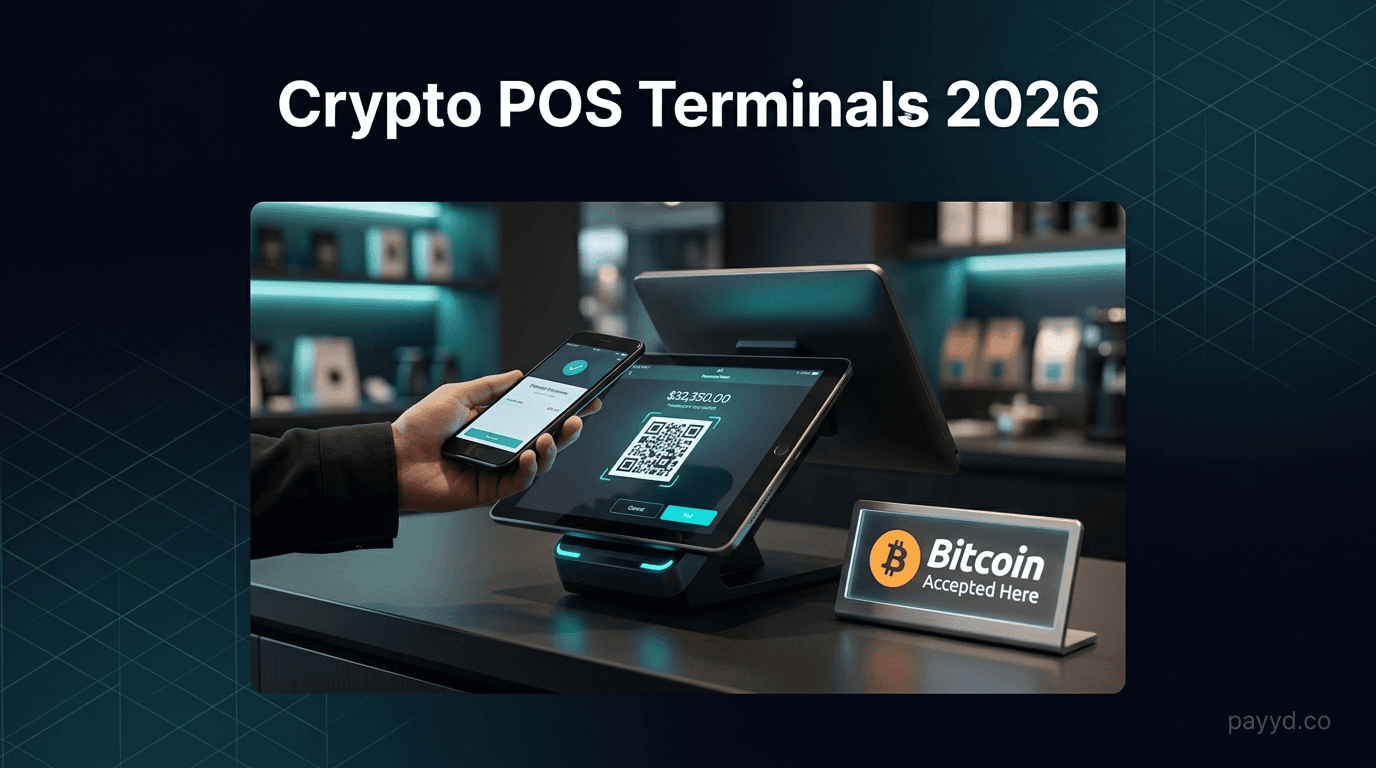
Accepting crypto in a physical store sounds complicated, but it is actually simpler than setting up a traditional card terminal. You do not need special hardware — a tablet or smartphone with a browser is all it takes. A customer scans a QR code, sends payment from their wallet, and you are done.
The catch: most crypto payment gateways are online-only. Out of the 12 gateways we reviewed, only three offer a proper POS terminal app suitable for in-store use. This guide compares all three, shows you how to set each one up, and helps you pick the right one for your business.
What Is a Crypto POS Terminal?
A crypto POS (Point of Sale) terminal is software that lets you accept cryptocurrency payments at a physical location. Unlike traditional POS terminals that read credit cards, crypto POS terminals display a QR code that customers scan with their crypto wallet app.
The flow works like this:
- You enter the payment amount on the POS app
- The app generates a QR code with a payment request
- The customer scans the QR code with their wallet
- The customer confirms and sends the payment
- The app shows confirmation once the transaction is verified
With Lightning Network support, Bitcoin payments confirm instantly. On-chain transactions take 10-60 minutes, so Lightning is strongly recommended for in-store use.
The 3 Options Compared
BTCPay Server POS — Best for Zero Fees
BTCPay Server includes a built-in POS app that runs in any web browser. Open it on a tablet at your counter and you have a fully functional crypto payment terminal — with zero transaction fees.
The BTCPay POS is the most feature-rich option. It supports:
- Product catalog — create items with names, prices, and images. Staff tap to add items to an order.
- Custom amounts — enter any amount for services or variable pricing
- Tipping — configurable tip percentages or custom tip amounts
- Lightning Network — instant Bitcoin payments, critical for retail speed
- Multiple currencies — display prices in your local currency, settle in BTC
The downside: you need a self-hosted BTCPay Server instance running on a VPS. This requires initial technical setup (2-4 hours) and ongoing server maintenance. For the full guide, see our BTCPay Server review.
BitPay POS — Easiest to Set Up
BitPay offers a mobile POS app for iOS and Android. Download the app, log in with your merchant account, and start accepting payments. It is the simplest setup of the three.
The BitPay POS supports:
- Custom amounts — enter any dollar amount
- Tipping — add tip to the payment
- Fiat settlement — receive USD in your bank account
- Lightning Network — instant BTC payments
- Email receipts — send payment confirmation to customers
The limitations: no product catalog (enter amounts manually only), 1% transaction fee, and full KYC verification required before you can accept your first payment. For the detailed breakdown, see our BitPay review.
CoinGate POS — Best for Multi-Coin and EU
CoinGate offers a mobile POS app that supports over 70 cryptocurrencies — far more than BTCPay or BitPay. For stores that want to accept Solana, Ripple, Tron, and stablecoins alongside Bitcoin, CoinGate is the only POS option that covers them all.
The CoinGate POS supports:
- 70+ cryptocurrencies — the widest coin selection of any POS
- Fiat settlement in EUR — via free SEPA transfer
- Lightning Network — for instant BTC payments
- Custom amounts — manual entry
- Transaction history — in-app reporting
CoinGate is EU-regulated, which matters for European businesses needing compliance. The 1% fee matches BitPay. Full KYC is required. Read our CoinGate review for the complete picture.
Setup Guide
BTCPay Server POS Setup
- Deploy BTCPay Server on a VPS (LunaNode 1-click deploy is the fastest method)
- Connect your Bitcoin wallet (xpub key)
- Enable Lightning Network (LND or CLN)
- Go to Plugins > Point of Sale > Create new POS app
- Add your products or enable keypad mode
- Open the POS URL on your counter tablet
BitPay POS Setup
- Create a BitPay merchant account and complete KYC verification (2-5 days)
- Download the BitPay app on iOS or Android
- Log in with your merchant credentials
- Start accepting payments immediately
CoinGate POS Setup
- Create a CoinGate merchant account and complete KYC verification
- Download the CoinGate POS app on iOS or Android
- Log in and configure your settlement preference (crypto or EUR)
- Start accepting payments
Which One Should You Choose?
Need Help Choosing?
Compare all 12 crypto payment gateways — not just the ones with POS terminals.
Browse All Gateways →Frequently Asked Questions
Do I need special hardware for a crypto POS terminal?
No. All three POS solutions work on standard tablets or smartphones. BTCPay Server runs in a web browser, while BitPay and CoinGate have dedicated mobile apps. Any iPad, Android tablet, or smartphone works.
How fast are in-store crypto payments?
With Lightning Network enabled, Bitcoin payments confirm in under 2 seconds — faster than a credit card. Without Lightning, on-chain Bitcoin transactions take 10-60 minutes, which is impractical for retail. Always enable Lightning for in-store use.
Can I accept crypto and credit cards on the same POS?
Not on the same device in a unified system. You would run your traditional POS (Square, Clover, etc.) alongside a separate crypto POS. The customer chooses which payment method they want and you use the corresponding terminal.
Do customers need a crypto wallet to pay in-store?
Yes. Customers need a mobile crypto wallet app (BitPay Wallet, Coinbase Wallet, MetaMask, Trust Wallet, Phoenix for Lightning, etc.) to scan the QR code and send payment.
Which crypto POS has the lowest fees?
BTCPay Server has 0% fees — forever. The only cost is your server hosting (~$10-30/month). BitPay and CoinGate both charge 1% per transaction.
Can I accept stablecoins (USDT, USDC) at my store?
Yes, if you use CoinGate POS — it supports 70+ coins including stablecoins. BitPay POS also supports some stablecoins. BTCPay Server POS is primarily Bitcoin-focused.
Is crypto POS legal?
In most jurisdictions, accepting crypto payments is legal. However, you are responsible for tax reporting on crypto income. Consult a local accountant familiar with crypto tax regulations in your jurisdiction.
Can I get fiat (USD/EUR) from crypto POS payments?
Yes, if you use BitPay (settles in USD) or CoinGate (settles in EUR). BTCPay Server does not offer fiat settlement — you receive crypto directly and handle the conversion yourself.