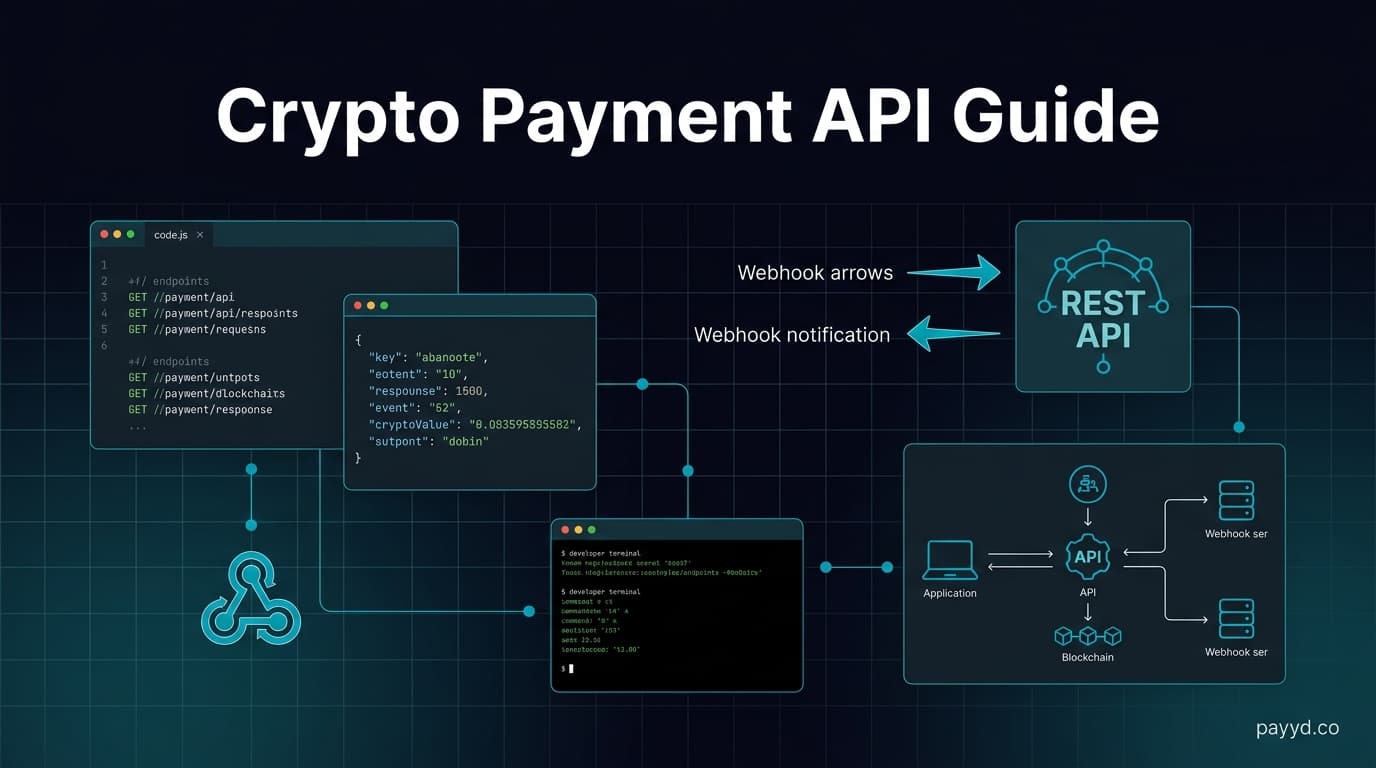
Crypto Payment API — Integration Guide for Developers 2026
How to integrate a crypto payment API. REST endpoints, webhooks, code examples, and comparison of 6 gateway APIs: NOWPayments, Plisio, CoinGate, BTCPay, Cryptomus, XAIGATE.
Key Takeaways
- A crypto payment API lets you programmatically create invoices, check payment status, manage wallets, and receive webhook notifications
- The standard flow is: create payment → customer pays → webhook fires → update order. Every gateway follows this same pattern
- We compare six APIs: NOWPayments (best docs), Plisio (simplest), CoinGate (most mature), BTCPay Server (most powerful), Cryptomus (good balance), and XAIGATE (cheapest)
- Always verify webhook signatures, implement idempotency, and handle partial payments in your integration
What Is a Crypto Payment API?
A crypto payment API is a set of REST endpoints that let you integrate cryptocurrency payments into your application programmatically. Instead of using pre-built plugins or payment buttons, you call the API directly to create payments, check statuses, and process refunds.
This gives you full control over the payment experience. You design the checkout UI, handle the flow, and respond to payment events through webhooks. The gateway handles the blockchain monitoring, address generation, and transaction verification.
How Crypto Payment API Integration Works
Step 1: Create a Payment
POST to the gateway's payment endpoint with the order amount, currency, and callback URL. The API returns a payment address and the exact crypto amount.
Step 2: Customer Pays
Display the payment address or QR code. The customer sends the exact crypto amount from their wallet. The gateway monitors the blockchain.
Step 3: Receive Webhook
When payment is confirmed, the gateway sends a POST request to your callback URL with payment details — status, amount, transaction hash.
Step 4: Update Order
Your backend verifies the webhook signature, confirms the payment amount matches, and updates the order status. Deliver the product or service.
Code Examples
Here is what a typical payment creation request looks like. I will use NOWPayments as the example since their API is well-documented.
Creating a Payment (Request)
POST https://api.nowpayments.io/v1/payment
Content-Type: application/json
x-api-key: YOUR_API_KEY

{
  "price_amount": 49.99,
  "price_currency": "usd",
  "pay_currency": "btc",
  "order_id": "order_12345",
  "ipn_callback_url": "https://yoursite.com/webhooks/crypto",
  "order_description": "Pro Plan - Monthly"
}
Payment Response
{
  "payment_id": "5678901234",
  "payment_status": "waiting",
  "pay_address": "bc1qxy2kgdygjrsqtzq2n0yrf2493p83kkfjhx0wlh",
  "pay_amount": 0.00052341,
  "pay_currency": "btc",
  "price_amount": 49.99,
  "price_currency": "usd",
  "order_id": "order_12345"
}
Webhook Handler (Node.js)
app.post('/webhooks/crypto', async (req, res) => {
  // 1. Verify webhook signature
  const signature = req.headers['x-nowpayments-sig'];
  if (!verifySignature(req.body, signature)) {
    return res.status(401).json({ error: 'Invalid signature' });
  }

  // 2. Check payment status
  const { payment_status, order_id } = req.body;

  if (payment_status === 'confirmed') {
    // 3. Update order
    await db.orders.update(order_id, { status: 'paid' });
    // 4. Deliver product/service
    await fulfillOrder(order_id);
  }

  res.status(200).json({ received: true });
});
Comparing 6 Gateway APIs
Integration Best Practices
Always verify webhook signatures
Every gateway signs webhook payloads with a secret key. Always verify the signature before processing. Without verification, anyone can send fake payment confirmations to your callback URL.
Implement idempotency
Webhooks can be sent multiple times (network retries). Use the payment_id as an idempotency key — if you have already processed a payment, skip the duplicate webhook. This prevents double-fulfillment.
Handle partial payments
Customers sometimes send slightly less than required (usually due to wallet fees). Most gateways have a tolerance threshold, but your code should handle the "partially_paid" status gracefully.
Set appropriate timeouts
Payment windows typically expire after 15-60 minutes. If the customer does not pay in time, handle the expiration — create a new payment or cancel the order.
Use testnet/sandbox first
Test the full flow without real money. Test every status transition: waiting, confirming, confirmed, partially_paid, expired, failed. Do not go live until you have handled all edge cases.
Log everything
Store every API request, response, and webhook. When a customer reports a payment issue, you will need the webhook payload, payment ID, and blockchain transaction hash to debug it.
Frequently Asked Questions
What is a crypto payment API?
A set of REST endpoints provided by a crypto payment gateway. You call these endpoints to create payments, check statuses, process refunds, and manage wallets.
Which crypto payment API is easiest to integrate?
Plisio has the simplest API. NOWPayments has the best documentation with interactive examples. BTCPay Server is the most powerful but requires self-hosting.
Do I need to run a blockchain node?
No. The gateway handles all blockchain operations. You interact with a REST API over HTTPS — no nodes, no wallets, no blockchain knowledge required.
How do webhooks work for crypto payments?
When a payment status changes, the gateway sends a POST request to your callback URL with the payment details. You verify the signature, check the status, and update your order.
Can I accept multiple cryptocurrencies with one API?
Yes. Most APIs let you specify which crypto the customer pays with, or let the customer choose. NOWPayments supports 300+ coins through the same API.
What happens if my webhook endpoint is down?
Most gateways retry failed webhooks — typically 3-5 attempts over 24 hours with exponential backoff. You should also poll the payment status endpoint as a backup.
Is a sandbox/testnet available?
Most major APIs offer sandbox environments. XAIGATE does not currently offer a sandbox, which makes testing harder.
How do I handle exchange rate changes during payment?
The gateway locks the exchange rate when you create the payment. The customer has a fixed window (usually 15-30 minutes) to pay. If they miss the window, create a new payment with the current rate.