What Is a Crypto Wallet? A Merchant's Guide to Wallets for Payments
A merchant-focused guide to crypto wallets. Hot vs cold, hardware vs software, multi-sig for business, and which wallet types work with which payment gateways.
Key Takeaways
- A crypto wallet stores your private keys — the cryptographic proof that you own your coins. Without a wallet, you cannot receive payments
- For merchants, a hot wallet (software) is essential for day-to-day payment processing. A cold wallet (hardware) is recommended for storing larger balances
- Multi-sig wallets require multiple approvals to move funds — critical security for businesses handling significant crypto volume
- Non-custodial gateways require you to provide your own wallet address. Custodial gateways manage wallets for you but hold your funds
If you are setting up crypto payments for your business, you need a wallet. But "crypto wallet" is one of those terms that confuses more than it clarifies — especially when most guides are written for retail investors, not merchants.
This guide is different. I am writing it specifically for business owners and merchants who need to understand wallets in the context of accepting crypto payments. What type do you need? How does it connect to your payment gateway? What security measures are non-negotiable?
What Is a Crypto Wallet, Really?
A crypto wallet does not actually store cryptocurrency. Your coins live on the blockchain — a distributed ledger that records every transaction. What your wallet stores is your private key: a cryptographic secret that proves you own those coins and authorizes you to spend them.
Think of it this way: the blockchain is the bank, your wallet is the key to your safe deposit box. Lose the key and you lose access to everything inside. Share the key and anyone can empty it.
Every wallet has two components:
- Public key (address): What you share with customers so they can send you payments. Like an email address — safe to share publicly
- Private key: What you keep secret. This authorizes outgoing transactions. Like a password — never share it with anyone
When a customer pays you, they send crypto to your public address. Your private key is what lets you later move, spend, or convert those funds.
Hot Wallets vs Cold Wallets
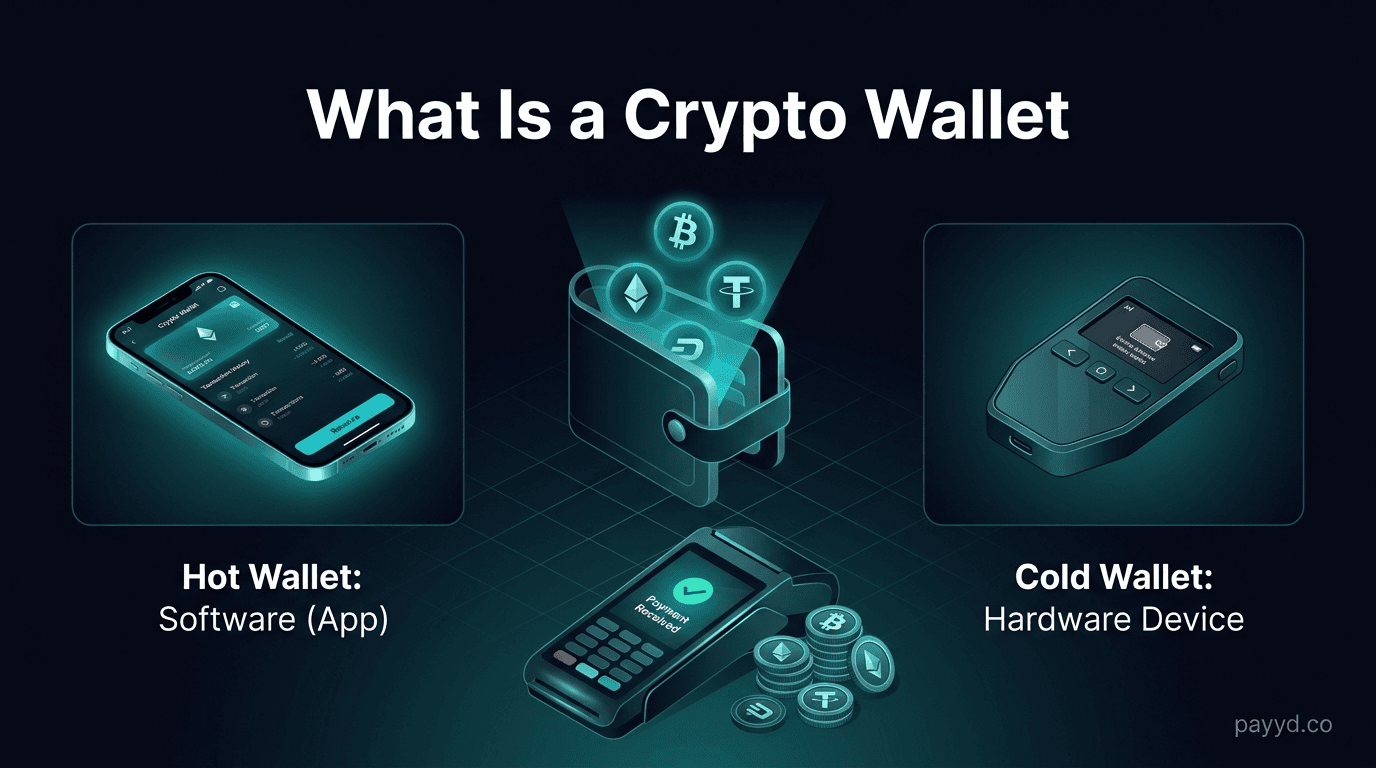
This is the most important distinction for merchants. It comes down to connectivity.
For merchants, the practical approach is both: Use a hot wallet connected to your payment gateway for receiving daily payments. Periodically sweep larger balances to a cold wallet for long-term security. Think of it like a cash register (hot) and a safe (cold).
Wallet Types for Merchants
Software Wallets (Hot)
These run as apps on your phone or computer. They are free, easy to set up, and work with most payment gateways. For Bitcoin, Electrum is the standard. For Ethereum and ERC-20 tokens (USDT, USDC), MetaMask is the most widely supported. For multi-chain, Trust Wallet covers most major networks.
Hardware Wallets (Cold)
Physical devices like Ledger Nano X ($149) and Trezor Model T ($219) that store private keys offline. The private key never touches an internet-connected device. For businesses holding over $10,000 in crypto, a hardware wallet is not optional — it is essential security infrastructure.
Multi-Signature Wallets
Multi-sig wallets require multiple private keys to authorize a transaction — for example, 2 out of 3 team members must approve before funds can move. This prevents any single person from stealing or accidentally losing all company funds. BTCPay Server supports multi-sig natively. For Ethereum, Gnosis Safe is the industry standard.
Exchange Wallets (Avoid for Payments)
Wallets hosted by exchanges like Coinbase or Binance. These are custodial — the exchange holds your private keys. I do not recommend using exchange wallets for receiving payments because you are adding unnecessary counterparty risk. If the exchange goes down (see: FTX), your funds go with it.
Multi-Sig Wallets for Business
If your business processes more than a few thousand dollars in crypto monthly, multi-sig is the professional standard. Here is why:
- No single point of failure: If one team member's key is compromised, the attacker cannot move funds without additional approvals
- Accountability: Every transaction requires multiple sign-offs, creating an audit trail
- Disaster recovery: In a 2-of-3 setup, losing one key does not lock you out of your funds
Common multi-sig configurations:
- 2-of-3: Three keys exist, any two can sign. Best for small teams. One key with the CEO, one with the CFO, one in cold storage backup
- 3-of-5: Five keys exist, any three can sign. Best for larger organizations or boards
Which Gateways Need Which Wallet?
This is where it gets practical. Your wallet choice depends on whether your gateway is custodial or non-custodial:
Setting Up a Merchant Wallet: Step by Step
Here is the approach I recommend for a business starting to accept crypto payments:
- Choose a hot wallet for daily payment receiving. Electrum for Bitcoin, MetaMask for Ethereum/ERC-20, or Trust Wallet for multi-chain
- Write down your seed phrase (12 or 24 words) and store it in a secure, offline location. This is your master backup. Never store it digitally
- Connect your wallet to your payment gateway. For non-custodial gateways, this means entering your wallet's receiving address or extended public key (xpub)
- Buy a hardware wallet if you expect to hold more than $5,000 in crypto. Ledger Nano X or Trezor Safe 3 are both solid choices
- Set up a sweep schedule. Weekly or monthly, move accumulated funds from your hot wallet to your hardware wallet
- Consider multi-sig once your crypto holdings exceed $25,000 or if multiple team members need access
Security Best Practices for Merchant Wallets
- Never share your private key or seed phrase. No legitimate service will ever ask for it
- Use a dedicated device. Do not run your merchant wallet on a personal computer that you use for browsing random websites
- Enable 2FA on every account connected to your payment workflow — gateway dashboard, exchange accounts, email
- Test with small amounts first. Before accepting real payments, send a small test transaction to confirm everything works
- Keep wallet software updated. Security patches are released regularly — outdated software is a common attack vector
- Use separate wallets for different purposes: one for receiving payments, one for operational spending, one for long-term holding
Ready to Accept Crypto Payments?
Set up your wallet and connect it to a payment gateway. We have compared all the options so you can start in minutes.
Read the Setup Guide →Frequently Asked Questions
Do I need a separate wallet for each cryptocurrency?
Not necessarily. Multi-currency wallets like Trust Wallet and Exodus support dozens of coins in one app. However, for maximum security, dedicated wallets (Electrum for BTC, MetaMask for ETH) are preferred because they are purpose-built and better audited.
What happens if I lose my wallet?
If you have your seed phrase (backup recovery words), you can restore your wallet on any compatible device. If you lose both your wallet and your seed phrase, your funds are permanently inaccessible. This is why secure seed phrase storage is the most critical step.
Can I use a Coinbase wallet to receive payments?
Technically yes, but I do not recommend it for business payments. Coinbase is custodial — they control your keys. If Coinbase freezes your account or experiences issues, you lose access to your funds. Use a non-custodial wallet where you control the private keys.
What is an xpub key and why does BTCPay Server need it?
An xpub (extended public key) lets BTCPay Server generate unique Bitcoin addresses for each payment without accessing your private key. This way, every customer gets a unique address (preventing payment confusion) while your private key stays in your wallet, never touching the server.
How much does a crypto wallet cost?
Software wallets are free. Hardware wallets cost $60-220 depending on the model. Ledger Nano S Plus starts at $79, Trezor Safe 3 at $79, and premium models like Ledger Nano X ($149) add Bluetooth connectivity. For most merchants, a free software wallet is sufficient to start.
Is MetaMask safe for a business?
MetaMask is secure for day-to-day operations but should not be your only wallet. It is a hot wallet — always connected to the internet. Use it for receiving payments and operational transactions, then sweep larger balances to a hardware wallet for cold storage.