How to Accept Crypto Payments on Your Website in 2026
Step-by-step guide to accepting crypto payments on your website. Choose a gateway, integrate it, configure wallets, and go live — with platform-specific instructions.
Key Takeaways
- Crypto payment fees run 0-1% vs. credit cards at 2.5-3.5% — on $50K/month, that saves $1,000-$1,500
- Most integrations take under an hour with a plugin (WooCommerce, Shopify) or a few API calls (custom sites)
- You do not need to hold crypto — gateways like BitPay convert to USD and deposit to your bank
- Always test in sandbox mode before going live, and set payment timeouts to 15-20 minutes
Accepting crypto payments is no longer a novelty — it is a competitive advantage. Lower fees than credit cards, no chargebacks, access to a global customer base without currency conversion, and settlement in minutes instead of days. In 2026, the tooling has matured to the point where integration takes hours, not weeks.
This guide walks you through the entire process: choosing a gateway, integrating it into your website, configuring your wallets, testing payments, and going live. We cover WooCommerce, Shopify, and custom integrations.
Why Accept Crypto Payments?
- Lower fees: Most crypto gateways charge 0.2%-1% per transaction. Credit cards charge 2.5%-3.5% plus fixed fees. On $50,000/month in sales, that is $1,000-$1,500 saved.
- No chargebacks: Crypto transactions are irreversible once confirmed. Chargeback fraud costs businesses over $100 billion annually — crypto eliminates this risk entirely.
- Global reach: Accept payments from any country without international payment processing fees or currency conversion. A customer in Nigeria pays the same fee as one in Germany.
- Fast settlement: Most gateways settle within minutes to hours. No waiting 3-5 business days for bank transfers.
- Privacy: Some gateways require no KYC, meaning you can start accepting payments without sharing business documents.
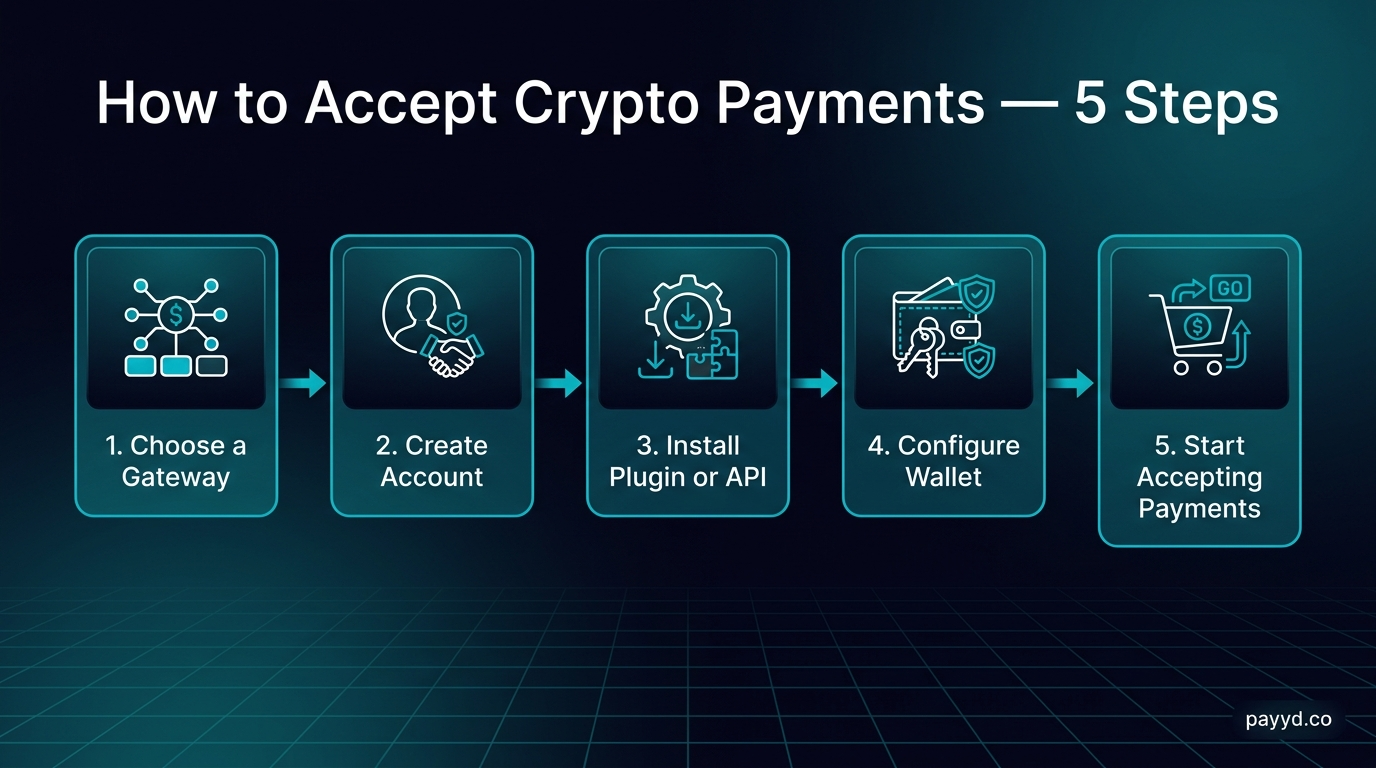
Step-by-Step: Accept Crypto Payments on Your Website
Step 1: Choose Your Gateway
Your gateway choice depends on three factors: your technical skill level, whether you can pass KYC, and which features you need.
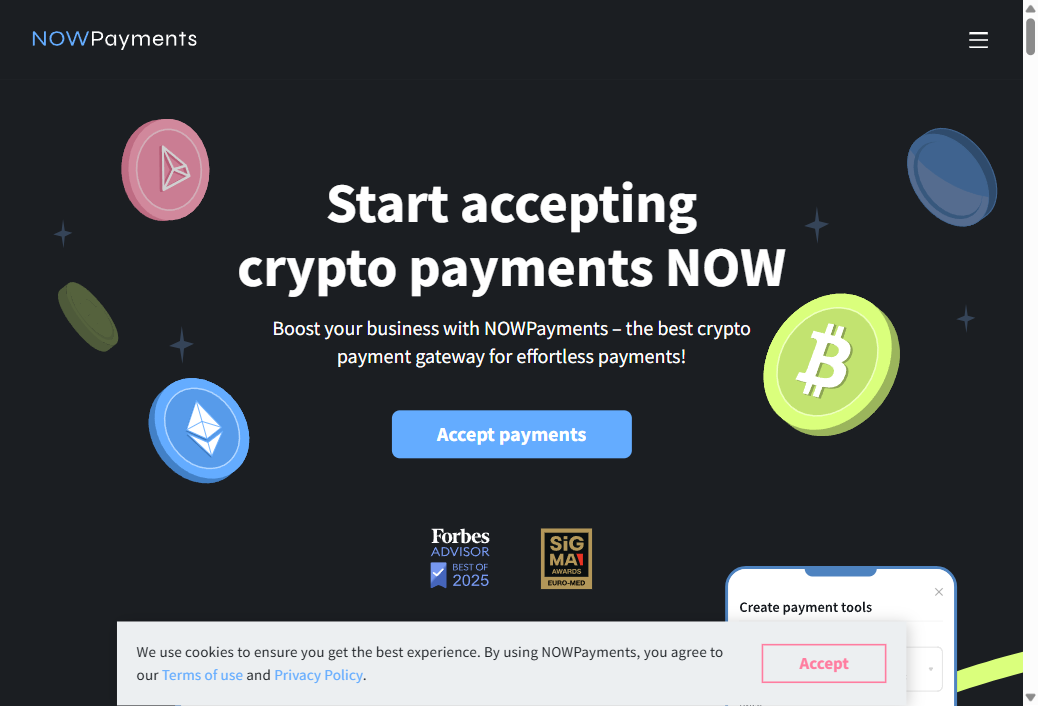
For most businesses, start with NOWPayments. It supports 300+ coins, has plugins for every major e-commerce platform, charges 0.5% per transaction, and you can be live within an hour. If you need the absolute lowest fees, look at Coinremitter (0.23%) or XAIGATE (0.2%).
For technical teams who want zero fees and full control, BTCPay Server is unmatched. Self-hosted, open source, and completely free.
For businesses needing fiat settlement (receive USD instead of crypto), BitPay or CoinGate handle the conversion for you. Both require full KYC.
See our complete gateway comparison for detailed breakdowns of all 12 options.
Step 2: Create Your Account
For hosted gateways, sign up on their website. The process varies by KYC level:
- No-KYC gateways (Coinremitter, PayGate.to, Paymento, ATLOS, XAIGATE): Provide an email and wallet address. Live in minutes.
- Minimal-KYC gateways (NOWPayments, Plisio, BoomFi): Provide business info and verify your email. Usually live within a day.
- Full-KYC gateways (BitPay, CoinGate, CoinsPaid): Submit business documents, ID verification, proof of address. Takes 1-7 business days.
For BTCPay Server, there is no account — you deploy your own instance. See our BTCPay Server review for setup instructions.
Step 3: Configure Your Wallets
You need a wallet to receive payments. Two approaches:
- Non-custodial gateways (BTCPay Server, Coinremitter, ATLOS, PayGate.to, Paymento): Provide your wallet address during setup. Payments go directly to your wallet. Use a hardware wallet (Ledger, Trezor) for maximum security, or a software wallet (MetaMask, Phantom) for convenience.
- Custodial gateways (NOWPayments, Plisio, BitPay, CoinGate): The gateway holds received payments temporarily. You withdraw to your wallet when you choose, or set up auto-withdrawal at a threshold amount.
Step 4: Integrate with Your Website
Integration method depends on your platform:
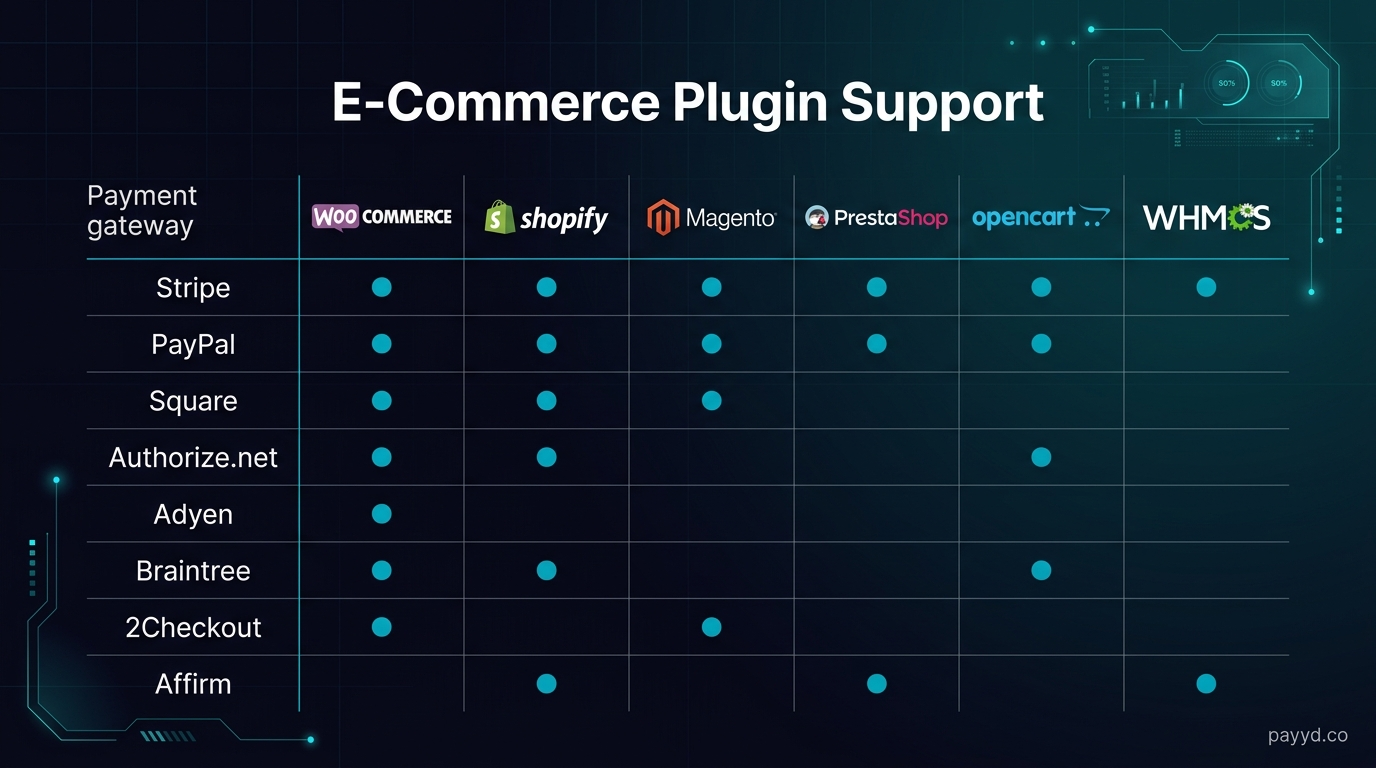
WooCommerce
- Install the gateway's WordPress plugin (NOWPayments, BTCPay Server, Coinremitter, Plisio, and others all have dedicated plugins)
- Go to WooCommerce → Settings → Payments
- Enable the crypto gateway and enter your API key
- Configure which cryptocurrencies to accept
- Save and test with a small payment
See our detailed WooCommerce setup guide and best WooCommerce crypto plugins.
Shopify
- Install the gateway app from the Shopify App Store (NOWPayments and BTCPay Server are the most popular options)
- Connect your gateway account via API key
- Enable crypto as a payment method in Settings → Payments
- Customize the checkout experience
- Test a checkout flow end-to-end
Custom Website (API Integration)
- Get your API key from the gateway dashboard
- Create a payment via the gateway's REST API (POST request with amount, currency, callback URL)
- Redirect the customer to the payment page or embed the payment widget
- Handle the webhook callback when payment is confirmed
- Update order status in your database
Most gateways provide SDKs in Python, Node.js, PHP, and Ruby. API documentation quality varies — NOWPayments and BTCPay Server have the most thorough docs.
Step 5: Test Before Going Live
Every gateway offers a sandbox or testnet mode. Use it.
- Make at least 3 test payments with different amounts
- Verify webhook callbacks trigger correctly
- Test the timeout flow (what happens when a customer does not pay)
- Test underpayment and overpayment scenarios
- Confirm the order status updates in your e-commerce dashboard
Step 6: Go Live and Monitor
Switch from sandbox to production API keys, make a real payment yourself, and monitor the first few customer transactions closely. Set up alerts for failed payments and track conversion rates — some customers abandon checkout when they see crypto payment pages that look untrustworthy or confusing.
Cost Breakdown: Crypto vs Traditional Payment Processing
Common Mistakes to Avoid
- Not setting payment timeouts: Crypto prices fluctuate. If you generate an invoice at $100 and the customer pays 30 minutes later when the price has moved 5%, someone loses money. Most gateways set 15-30 minute timeouts. Do not extend them beyond that.
- Ignoring tax obligations: Receiving crypto is a taxable event in most jurisdictions. Track every payment for tax reporting. Fiat-settlement gateways like BitPay simplify this because you receive USD.
- Supporting too many coins: Offering 300 coins sounds impressive but creates confusion. Start with BTC, ETH, USDT, and USDC. Add more only if customers request them.
- Skipping webhook verification: Always verify webhook signatures to prevent fake payment notifications. Every serious gateway signs their callbacks.
- Not offering fiat alternatives: Crypto should be an additional payment option, not the only one. Keep your credit card processor and add crypto alongside it.
Find the Right Crypto Payment Gateway
Compare fees, features, and KYC requirements across 12 gateways.
Browse All Gateways →Frequently Asked Questions
How much does it cost to accept crypto payments?
Between 0% and 1% per transaction depending on the gateway. BTCPay Server is completely free (self-hosted). Coinremitter charges 0.23%. NOWPayments charges 0.5%. None of these have setup or monthly fees on their standard plans. See our fee comparison.
Do I need to understand blockchain to accept crypto?
No. Hosted gateways like NOWPayments and Plisio handle all the blockchain complexity. You install a plugin, enter an API key, and customers see a payment page. You do not need to run a node, manage wallets, or understand transaction confirmations.
Can I accept crypto without holding any crypto?
Yes. BitPay, CoinGate, and CoinsPaid convert incoming crypto to fiat currency (USD, EUR) and deposit it in your bank account. You never hold cryptocurrency.
Is it legal to accept crypto payments?
In most countries, yes. Cryptocurrency payments are legal in the US, EU, UK, Canada, Australia, and most of Asia. Some countries (China, Morocco, Egypt) have restrictions. Consult a local tax professional if you are unsure about your jurisdiction.
How do refunds work with crypto payments?
Most gateways let you issue refunds from your dashboard. The refund is sent in crypto to the customer's wallet. Some gateways (like BitPay) calculate the refund at the original exchange rate. Since crypto is volatile, establish a clear refund policy — many merchants refund the USD-equivalent value at the time of refund, not the original crypto amount.