How to Accept Dogecoin Payments in 2026 — 5 Best Gateways
Accept Dogecoin (DOGE) payments on your website or store. We compare the 5 best gateways by fees, features, and setup complexity. Step-by-step guide included.
Key Takeaways
- 5 payment gateways support Dogecoin — fees range from 0.23% to 1%
- Dogecoin transactions confirm in ~1 minute with average fees of $0.01
- Coinremitter offers the cheapest DOGE acceptance at 0.23% with no KYC
- DOGE has a $25B+ market cap and 100K+ daily transactions — it's a real payment network
Table of Contents
Dogecoin started as a joke, but it's now a $25B+ cryptocurrency with over 100,000 daily transactions. For merchants, DOGE has a practical advantage: transactions confirm in ~1 minute with fees averaging $0.01 — making it faster and cheaper than Bitcoin for everyday payments.
We tested every gateway in our directory that supports Dogecoin. Five stood out.
Why Accept Dogecoin?
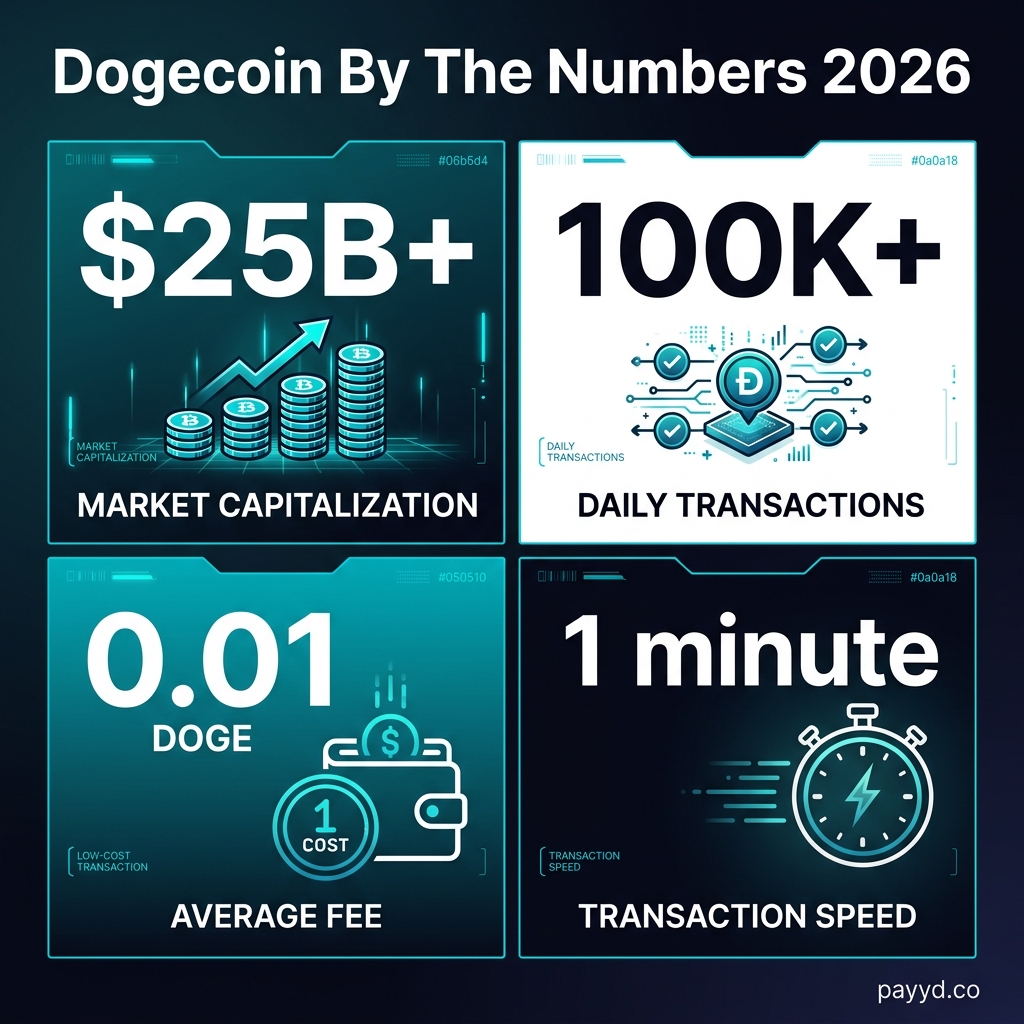
- Fast confirmations — ~1 minute vs Bitcoin's 10-60 minutes
- Cheap fees — $0.01 average vs Bitcoin's $2-20
- Large community — millions of DOGE holders actively looking to spend
- Brand recognition — everyone knows Dogecoin, even non-crypto people
- Low barrier — DOGE is often a first crypto purchase for newcomers
5 Best Dogecoin Payment Gateways
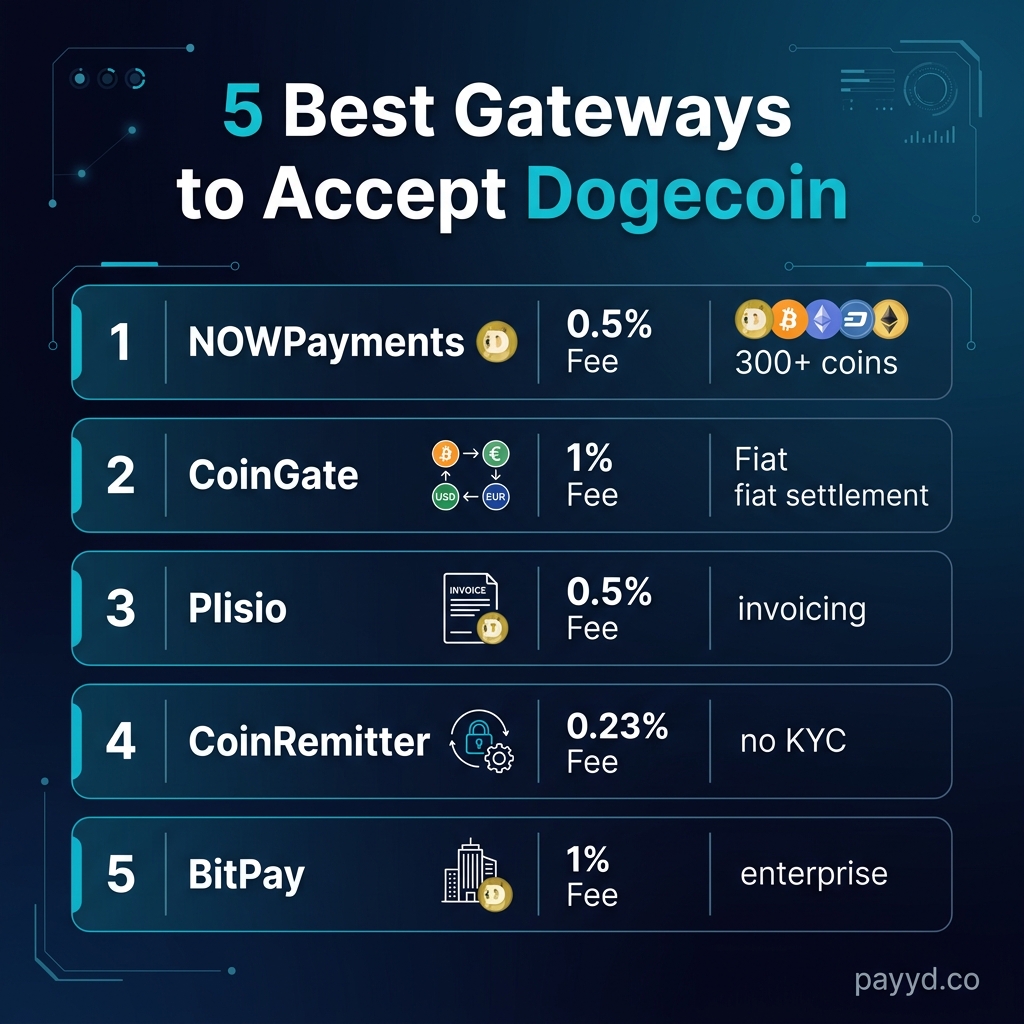
1. Coinremitter — Cheapest (0.23%)
The lowest fee for Dogecoin acceptance. Non-custodial, no KYC, and supports WooCommerce/Magento/OpenCart. DOGE goes directly to your wallet.
2. NOWPayments — Most Features (0.5%)
300+ coins including DOGE, 7 e-commerce plugins, subscription billing, and mass payouts. The best all-rounder if you want DOGE alongside other coins.
3. Plisio — Best Invoicing (0.5%)
Strong invoicing system with customizable templates. If you invoice clients in DOGE, Plisio handles payment tracking and notifications.
4. CoinGate — Best for EU (1%)
Accept DOGE, get paid in EUR. CoinGate auto-converts to fiat and deposits to your EU bank account. Full KYC required.
5. BitPay — Enterprise (1%)
Enterprise-grade DOGE acceptance with fiat settlement. Best for large businesses that need accounting integration and regulatory compliance.
Step-by-Step: Accept Dogecoin in 10 Minutes
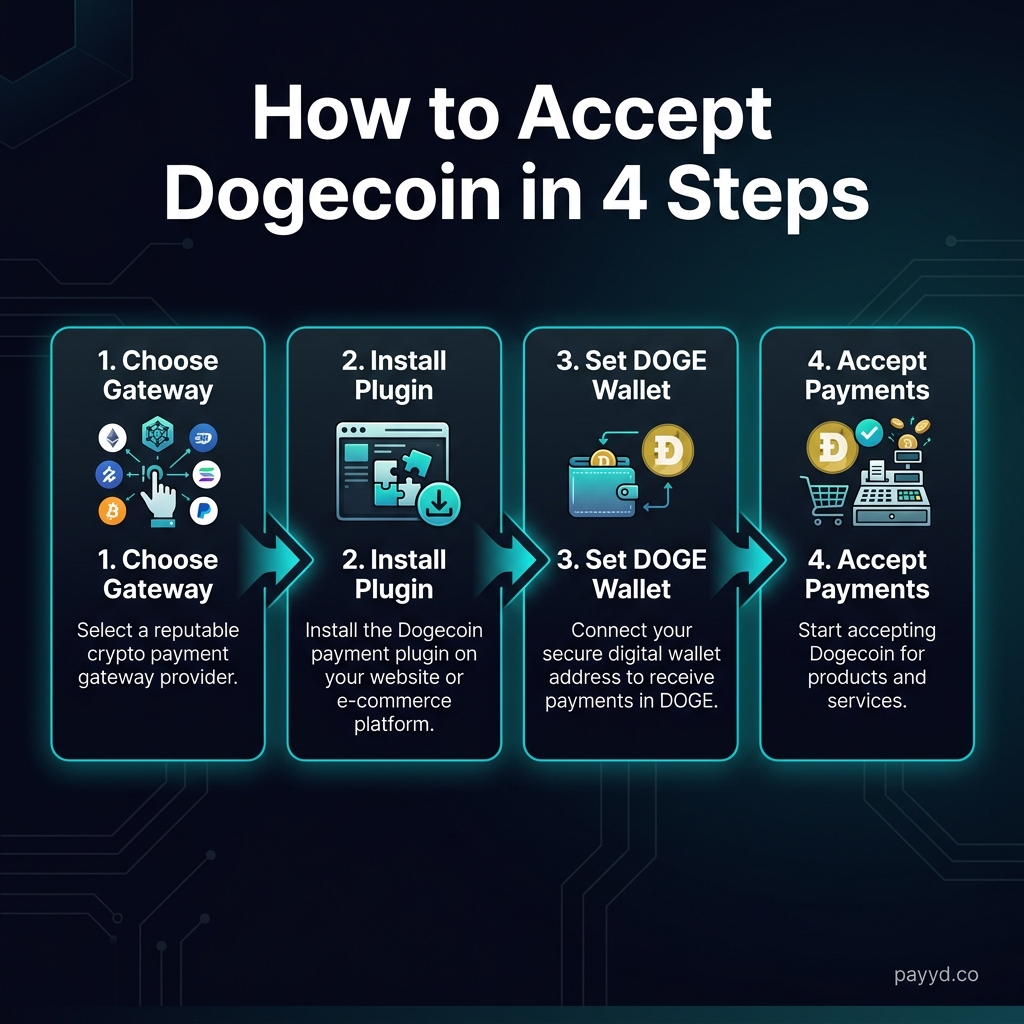
- Get a Dogecoin wallet — Exodus, Trust Wallet, or a hardware wallet (Ledger). You need a DOGE receiving address.
- Choose a gateway — Coinremitter for lowest fees, NOWPayments for most features.
- Install the plugin — WooCommerce, Shopify, or use the API. Enter your DOGE wallet address in the gateway settings.
- Test a payment — send a small DOGE amount to verify the flow works. Check that confirmations trigger correctly.
Dogecoin vs Bitcoin for Payments
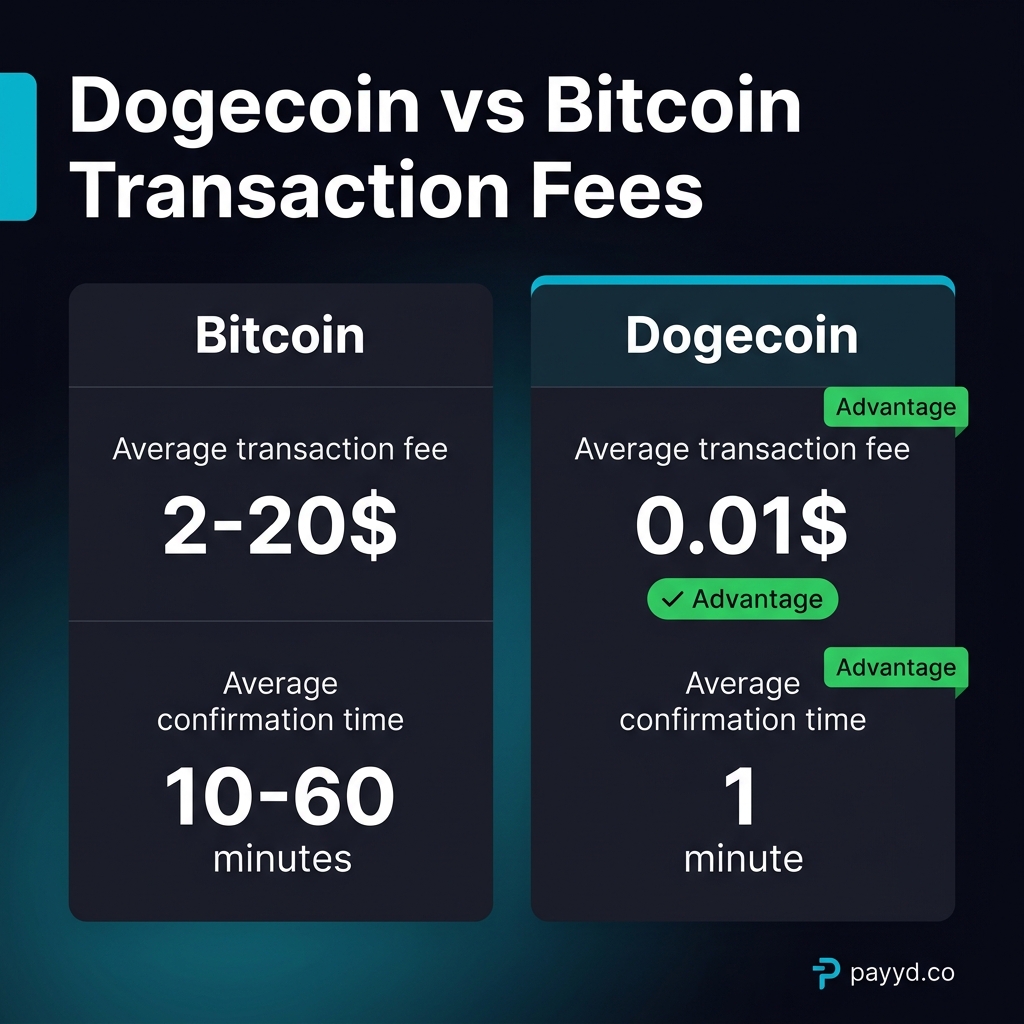
| Metric | Dogecoin | Bitcoin |
|---|---|---|
| Avg. Fee | $0.01 | $2-20 |
| Confirmation | ~1 min | 10-60 min |
| Block Time | 1 min | 10 min |
| Best For | Small/medium payments | Large/store of value |
For everyday payments under $1,000, Dogecoin is objectively better: 200x cheaper fees and 10x faster confirmations. For large transactions or store-of-value, Bitcoin's security and liquidity are stronger. Most merchants should accept both — every gateway that supports DOGE also supports BTC.
FAQ
Can I accept Dogecoin without KYC?
Yes. Coinremitter (0.23%), BlockBee (0.25%), and GoURL all accept DOGE without identity verification.
Can I auto-convert Dogecoin to USD?
Yes — BitPay and CoinGate both offer automatic fiat conversion for DOGE. You receive USD/EUR in your bank account. Both require full KYC.
Is Dogecoin too volatile for business payments?
DOGE is volatile, but you can mitigate this by converting to stablecoins immediately after receiving payment. NOWPayments offers auto-conversion to USDT. Or accept DOGE alongside stablecoins and let customers choose.