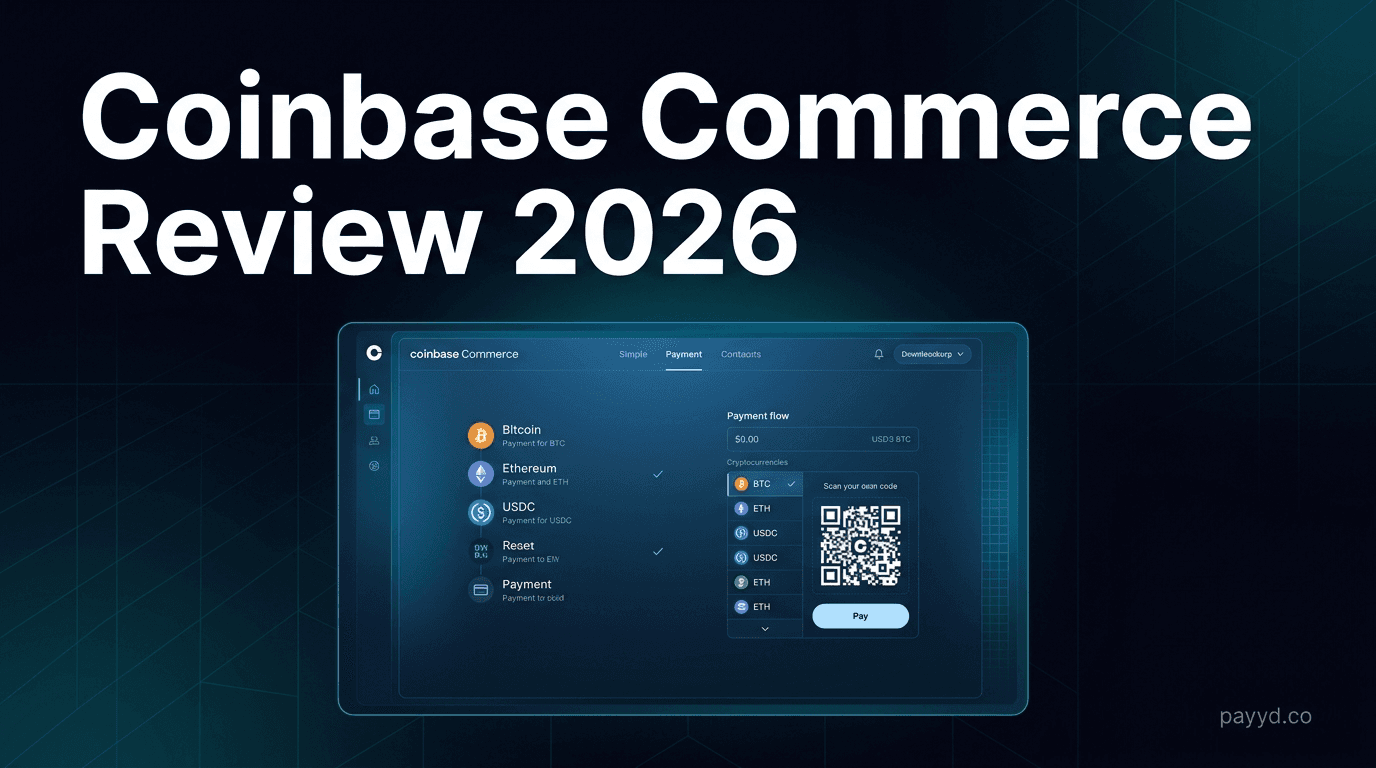
Coinbase Commerce Review 2026: Simple Crypto Checkout from Coinbase
Coinbase Commerce review: simple crypto checkout with 1% fees, limited coin support, hosted payment pages, and API. Honest pros, cons, and better alternatives for merchants.
TL;DR — Coinbase Commerce Review
Coinbase Commerce is the simplest way to start accepting crypto if you are already in the Coinbase ecosystem. The brand trust is unmatched. But the 1% fee is high, coin selection is limited (~10 coins), and the feature set is bare-bones compared to dedicated payment gateways. Good for beginners, but you will outgrow it.
Coinbase Commerce carries the most recognizable brand name in crypto. When your customers see "Pay with Coinbase," that trust reduces friction at checkout. But is the product actually good, or is it coasting on brand recognition?
After integrating and testing it, my verdict is mixed. Coinbase Commerce is great for getting started quickly, but it is limited in ways that will frustrate growing businesses. Let me explain.
What Is Coinbase Commerce?
Coinbase Commerce is Coinbase's merchant payment product. It lets businesses accept cryptocurrency payments through hosted checkout pages, payment links, embeddable buttons, and an API. It is a separate product from the Coinbase exchange — you do not need a Coinbase exchange account to use it, though they share the same parent company.
The product is designed for simplicity. You sign up, create a checkout or payment link, and share it. No complex integration required for basic use cases. For developers, there is an API for custom integrations, but it is far less comprehensive than what NOWPayments or BTCPay Server offer.
How It Works
Coinbase Commerce offers three ways to accept payments:
1. Hosted Checkout Pages
Create a checkout page with a product name, description, price, and image. Share the link with customers. They select their cryptocurrency, scan the QR code, and pay. You receive a webhook notification when payment is confirmed. This is the no-code option — no website or integration needed.
2. Payment Buttons
Embed a "Pay with Crypto" button on your website. When clicked, it opens the Coinbase Commerce checkout modal. This requires minimal HTML knowledge — just copy and paste a snippet.
3. API Integration
For custom integrations, the Commerce API lets you create charges, manage orders, and handle webhooks programmatically. The API is well-documented but limited in scope — no subscription billing, no mass payouts, no auto-conversion.
Supported Coins
This is where Coinbase Commerce falls short. The supported coin list is limited to approximately 10 cryptocurrencies:
- Bitcoin (BTC)
- Ethereum (ETH)
- USDC
- DAI
- Litecoin (LTC)
- Bitcoin Cash (BCH)
- Dogecoin (DOGE)
- Shiba Inu (SHIB)
- Tether (USDT) — on Ethereum
- Ape Coin (APE)
Compare that to NOWPayments at 300+ coins or even CoinPayments at 2,000+. If your customers want to pay with Solana, XRP, Monero, or most ERC-20 tokens, Coinbase Commerce does not support them.
Fees and Pricing
At 1%, Coinbase Commerce is tied with BitPay and CoinGate for the highest transaction fees among major gateways. That is double what NOWPayments charges (0.5%) and nearly five times Coinremitter (0.23%). At $50K/month in volume, you are paying $500/month to Coinbase Commerce versus $250 to NOWPayments. That adds up fast.
Pros and Cons
Pros
- Coinbase brand trust — customers recognize and trust it
- Simple setup — no-code checkout pages in minutes
- Clean, modern checkout experience
- Well-documented API
- Non-custodial — you control your own keys
- No monthly fees
Cons
- 1% transaction fee — double most competitors
- Only ~10 supported coins
- No subscription billing
- No mass payouts
- No white-label checkout
- No fiat settlement
- Limited plugin ecosystem
- US-focused — limited international support
Coinbase Commerce vs Alternatives
Coinbase Commerce makes sense if you value brand recognition and simplicity above all else. For everything else — fees, features, coin support — NOWPayments and BTCPay Server are objectively better.
Compare All Payment Gateways
See how Coinbase Commerce stacks up against 12 alternatives on fees, features, and KYC.
Browse All Gateways →Frequently Asked Questions
Is Coinbase Commerce the same as Coinbase?
No. Coinbase Commerce is a separate merchant payment product. Coinbase is a crypto exchange for buying and trading. They share the same parent company but are different products with different accounts.
What fees does Coinbase Commerce charge?
1% per transaction. No setup fees, no monthly fees. Network fees (gas fees for Ethereum, etc.) are paid by the sender.
Does Coinbase Commerce support fiat settlement?
No. You receive cryptocurrency, not USD. If you need fiat settlement, use BitPay or CoinGate.
Can I use Coinbase Commerce on Shopify?
Yes, there is a Shopify integration. However, it is basic compared to the plugins offered by NOWPayments or BitPay.
Is Coinbase Commerce available outside the US?
Coinbase Commerce is available in many countries, but the feature set and support are US-focused. International merchants may find better options with gateways that have global-first design.
Does Coinbase Commerce require KYC?
Minimal verification is required. You need a valid email and basic business information. It is not as invasive as BitPay or CoinGate's full KYC, but it is not zero-KYC like BTCPay Server or Coinremitter.
Can Coinbase Commerce handle subscription payments?
No. Coinbase Commerce does not support recurring or subscription billing. For that, use NOWPayments, Plisio, or BoomFi.