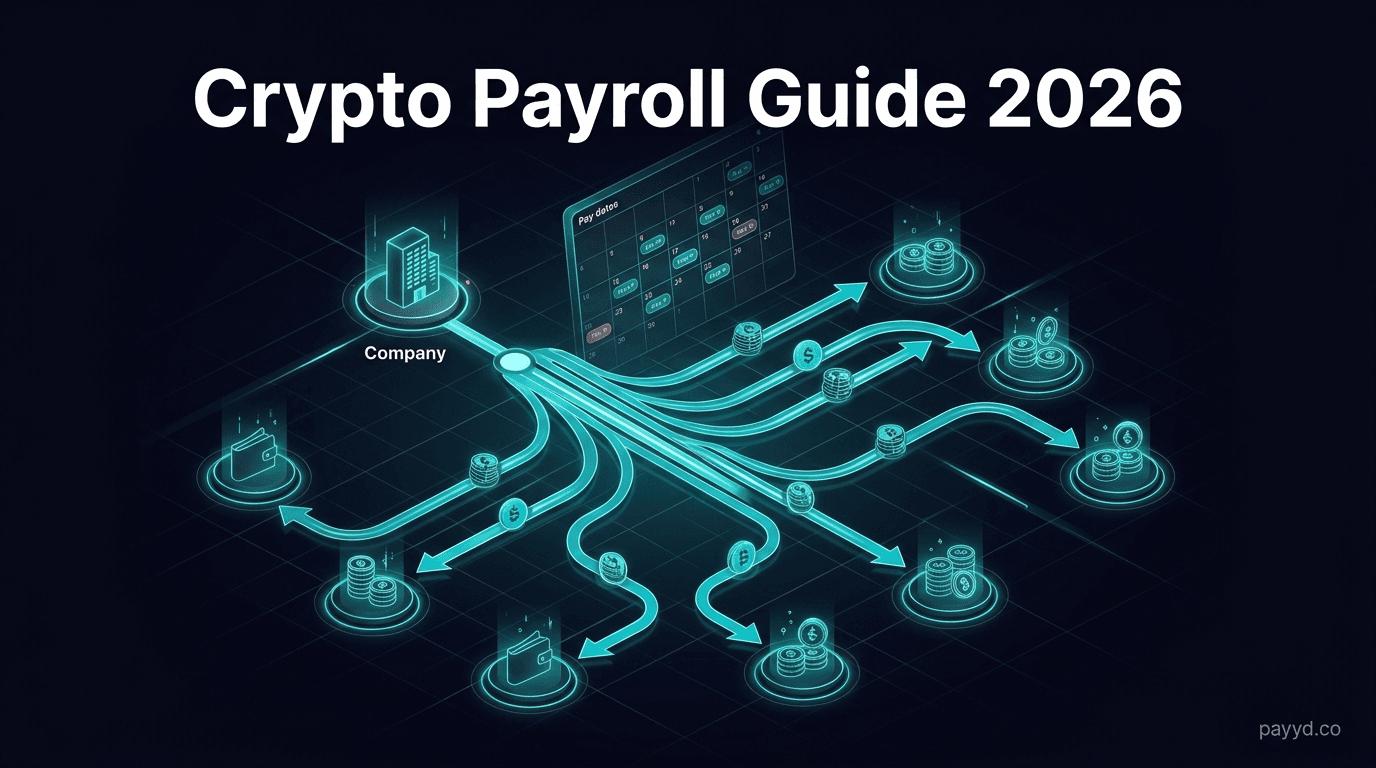
How to Pay Employees in Crypto: Payroll Solutions for 2026
Complete guide to crypto payroll: legal considerations, mass payout gateways, tax implications, and step-by-step setup. Compare NOWPayments, Plisio, and BTCPay for payroll.
Key Takeaways
- Paying employees or contractors in crypto is legal in most jurisdictions but has tax implications for both employer and recipient
- Three gateways support mass payouts: NOWPayments (300+ coins), Plisio (CSV upload), and BTCPay Server (via Payouts plugin, free)
- Stablecoin payroll (USDT/USDC) eliminates volatility risk — the recipient gets a stable dollar-pegged value
- Always document payments thoroughly for tax compliance — treat crypto payroll like any other compensation
- For freelancers and contractors, crypto payments can be simpler and cheaper than international wire transfers
Crypto payroll is not just a buzzword anymore — it is a practical solution for companies with remote, international teams. When you have contractors in 10 different countries, international wire transfers cost $30-50 each, take 3-5 days, and fail half the time due to banking restrictions. Crypto payments arrive in minutes, cost pennies in network fees, and work everywhere there is internet access.
I have used crypto to pay contractors across three continents. It is faster, cheaper, and — once you set up the workflow — simpler than traditional payroll for international teams. This guide covers everything you need to know: the legal landscape, the best tools, and a step-by-step setup process.
Why Pay Employees in Crypto?
Speed
International wire transfers take 3-5 business days. Crypto payments settle in minutes (Lightning) or hours (on-chain). For contractors who depend on timely payment, this is a massive quality-of-life improvement.
Cost
A SWIFT wire transfer costs $30-50 per transaction, plus intermediary bank fees that eat into the amount received. A Bitcoin Lightning payment costs fractions of a cent. Even an on-chain BTC or USDT transfer costs $1-3. On a team of 20 contractors paid monthly, you save $600-1,000/month in wire fees alone.
Global Reach
Some countries have banking systems that make receiving international payments extremely difficult. Crypto works everywhere. A contractor in Nigeria, Argentina, or Vietnam can receive USDT as easily as one in the US or EU.
Employee Demand
A growing number of workers — especially in tech and crypto-adjacent industries — actively prefer crypto compensation. Offering crypto payroll can be a recruiting advantage for attracting talent who are long-term crypto holders or who live in countries with currency instability.
Legal Considerations
Crypto payroll is legal in most jurisdictions, but the tax and reporting requirements vary:
United States
The IRS treats crypto compensation as ordinary income, valued at the fair market value on the date of receipt. Employers must report crypto wages on W-2s and withhold payroll taxes just like cash wages. For contractors (1099 workers), you report the USD equivalent on Form 1099-NEC if over $600.
European Union
Most EU countries treat crypto compensation as taxable income. VAT treatment varies by country. Employers should document the EUR-equivalent value at the time of payment.
General Guidelines
- Document everything: Record the crypto amount, USD/EUR equivalent at time of payment, transaction hash, and recipient wallet address
- Use stablecoins for simplicity: Paying in USDT or USDC gives a clear dollar value at the time of payment, simplifying tax reporting for both parties
- Consult a crypto-savvy accountant: Tax treatment varies significantly by jurisdiction. Get professional advice specific to your situation.
- Get written consent: Always get explicit agreement from employees/contractors that they want to be paid in crypto
Mass Payout Gateways Compared
Three crypto payment gateways offer mass payout functionality suitable for payroll:
Stablecoin Payroll
If I had to give one piece of advice for crypto payroll, it would be this: use stablecoins. Paying employees in Bitcoin or Ethereum means the value of their paycheck fluctuates — sometimes dramatically — between when you send it and when they spend it. That is not a payroll experience anyone wants.
Stablecoins (USDT, USDC) are pegged to the US dollar. $5,000 in USDT is worth $5,000 when you send it and $5,000 when the recipient converts or spends it. This eliminates volatility risk for both parties and simplifies tax reporting since the USD value is clear.
Best stablecoins for payroll:
- USDT (Tether) — most widely accepted, available on nearly every chain. Send on Tron (TRC-20) for the lowest fees.
- USDC (Circle) — fully backed and audited, preferred by compliance-conscious businesses. Available on Ethereum, Polygon, Solana, and more.
Both NOWPayments and Plisio support USDT and USDC mass payouts. BTCPay Server does not support stablecoins natively.
Step-by-Step Setup
Using Plisio for CSV-Based Payroll
- Create a Plisio account and complete basic verification
- Fund your Plisio wallet with the cryptocurrency you want to use for payouts (e.g., USDT)
- Prepare your CSV file with two columns: wallet_address and amount
- Go to Mass Payouts in the Plisio dashboard
- Upload the CSV and select the payout currency
- Review and confirm — Plisio shows you the total amount and fees before processing
- Process — payouts are sent to all addresses in the batch
Using NOWPayments API for Automated Payroll
- Sign up for NOWPayments and get your API key
- Fund your payout balance via the dashboard
- Use the Mass Payouts API to send batch payments programmatically
- Integrate with your payroll system — trigger payouts via API on your pay schedule
- Set up webhooks for payout status notifications
Accounting and Tax Tips
- Record the fiat value at the time of payment. Whether you pay in BTC, ETH, or USDT, document the USD/EUR equivalent on the date of the transaction. This is the taxable value.
- Save transaction hashes. Every blockchain transaction has a unique hash (tx ID). Save these as proof of payment. They are immutable and verifiable by anyone.
- Use stablecoins to simplify. Paying in USDT/USDC means the fiat value is always clear. No need to look up historical exchange rates.
- Export gateway reports. NOWPayments and Plisio both offer CSV exports of all payouts — use these for your accounting records.
- Separate payroll wallets. Keep your payroll funds in a dedicated wallet (or gateway balance) separate from your operating crypto. This simplifies tracking.
- Consult a crypto tax professional. Crypto payroll creates tax obligations for both the payer and recipient. Get professional guidance for your specific jurisdiction.
Need a Crypto Payment Gateway?
Compare mass payout features, fees, and coin support across all 12 gateways.
Browse All Gateways →Frequently Asked Questions
Is it legal to pay employees in crypto?
In most countries, yes — but with caveats. In the US, employers can pay employees in crypto, but must still withhold payroll taxes and report the fair market value as wages. For independent contractors, it is simpler: report the USD equivalent. Always check your local regulations.
What is the best crypto for payroll?
Stablecoins (USDT or USDC) are the best choice for payroll because they maintain a stable dollar value. This protects employees from crypto price volatility and simplifies tax reporting. Send USDT on Tron (TRC-20) for the lowest transaction fees.
How do crypto mass payouts work?
You prepare a list of wallet addresses and amounts (via CSV or API), fund your gateway balance, and initiate the batch payout. The gateway sends individual transactions to each address. Plisio and NOWPayments both support this at 0.5% per transaction.
Do employees need to pay taxes on crypto wages?
Yes, in most jurisdictions. Crypto received as compensation is taxable income, valued at the fair market value on the date received. Recipients may also owe capital gains tax if the crypto appreciates before they sell or spend it.
Which gateway is cheapest for payroll?
BTCPay Server is free (0% fee) but only supports BTC and LTC payouts and requires self-hosting. For hosted solutions with stablecoin support, both NOWPayments and Plisio charge 0.5% per payout.
Can I automate crypto payroll?
Yes. NOWPayments offers a Mass Payouts API that you can integrate with your HR system or custom scripts to automate recurring payouts. Set it to run on your pay schedule and payroll runs automatically.
What about payroll for full-time employees (not contractors)?
For W-2 employees in the US, crypto payroll is more complex because you must withhold income tax, Social Security, and Medicare. Specialized crypto payroll providers like Bitwage handle the compliance. For most companies, it is simpler to use crypto payroll for contractors (1099/international) and traditional payroll for full-time staff.