How to Accept Crypto Payments on WordPress in 2026
Add crypto payments to any WordPress site in 10 minutes. We compare WooCommerce plugins, donation buttons, and payment page solutions for WordPress.
Key Takeaways
- WordPress + WooCommerce has the most crypto plugin options of any platform — 15+ gateways
- For WooCommerce stores: BlockBee (0.25%) or Coinremitter (0.23%)
- For non-WooCommerce WordPress: GoURL plugin adds crypto to any WordPress site
- For donations/tips: embed a payment button or QR code — no plugin needed
WordPress + WooCommerce (Online Store)
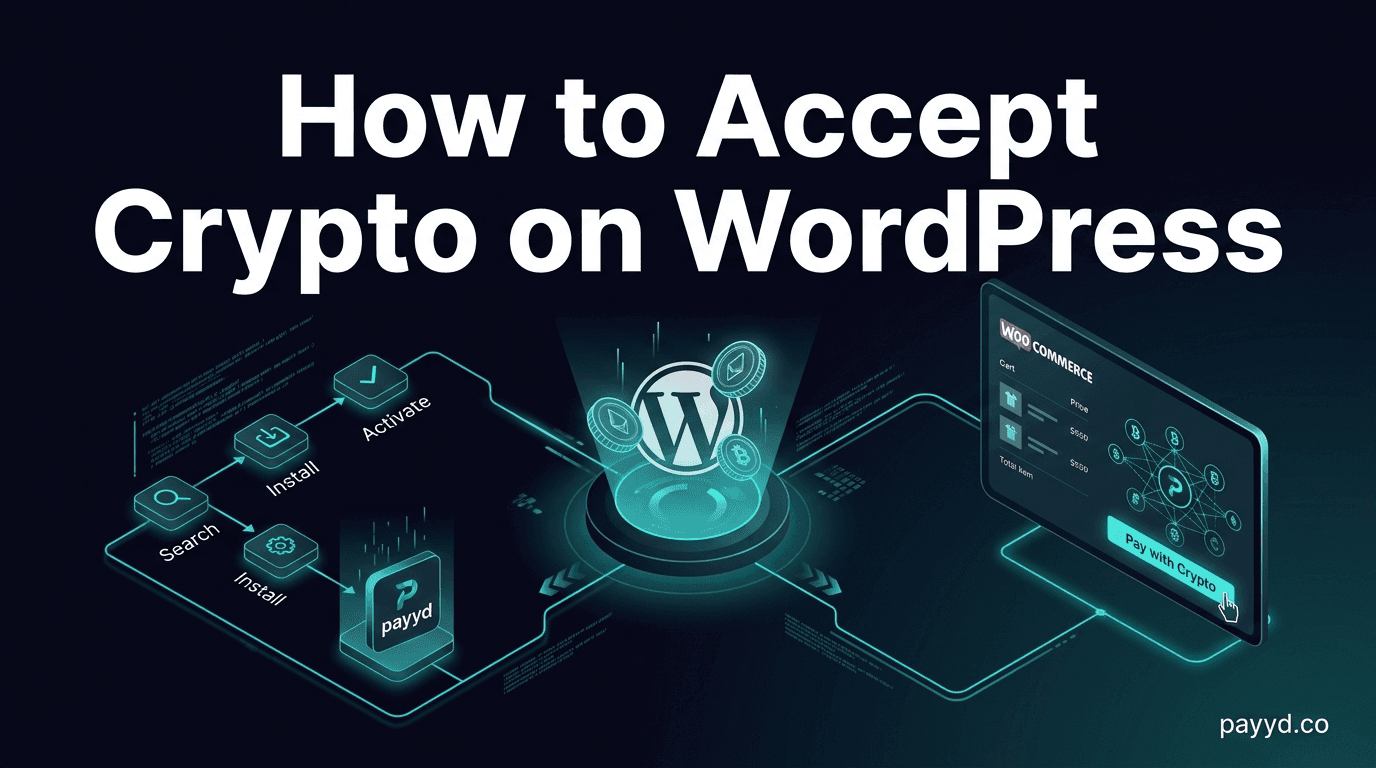
If you run WooCommerce, adding crypto is a one-click plugin install. Go to Plugins → Add New → search your gateway name → Install → Activate → enter API key. Done.
Best WooCommerce crypto plugins:
- Coinremitter (0.23%) — cheapest, non-custodial, no KYC
- BlockBee (0.25%) — 0.25%, no KYC, mass payouts
- NOWPayments (0.5%) — 300+ coins, subscriptions
- BTCPay Server (0%) — free, self-hosted, Lightning Network
- GoURL (1.5%) — native WordPress plugin, membership billing
Full comparison: WooCommerce crypto plugin guide | All plugins compared
WordPress Without WooCommerce
For blogs, membership sites, or non-e-commerce WordPress sites:
- GoURL WordPress Plugin — adds crypto payments for memberships, pay-per-post, and donations. No WooCommerce required. Non-custodial. 1.5% fee
- Payment link embed — generate a payment link via NOWPayments and embed it as a button on any WordPress page
- QR code widget — display your wallet QR code in a sidebar widget for tips/donations
FAQ
Which WordPress crypto plugin is cheapest?
BTCPay Server at 0% (requires self-hosting). For managed: Coinremitter at 0.23%.
Can I accept crypto on WordPress.com (hosted)?
WordPress.com (hosted) has limited plugin support. You can embed payment links from NOWPayments or Plisio as buttons. For full WooCommerce crypto plugin support, you need self-hosted WordPress.org.