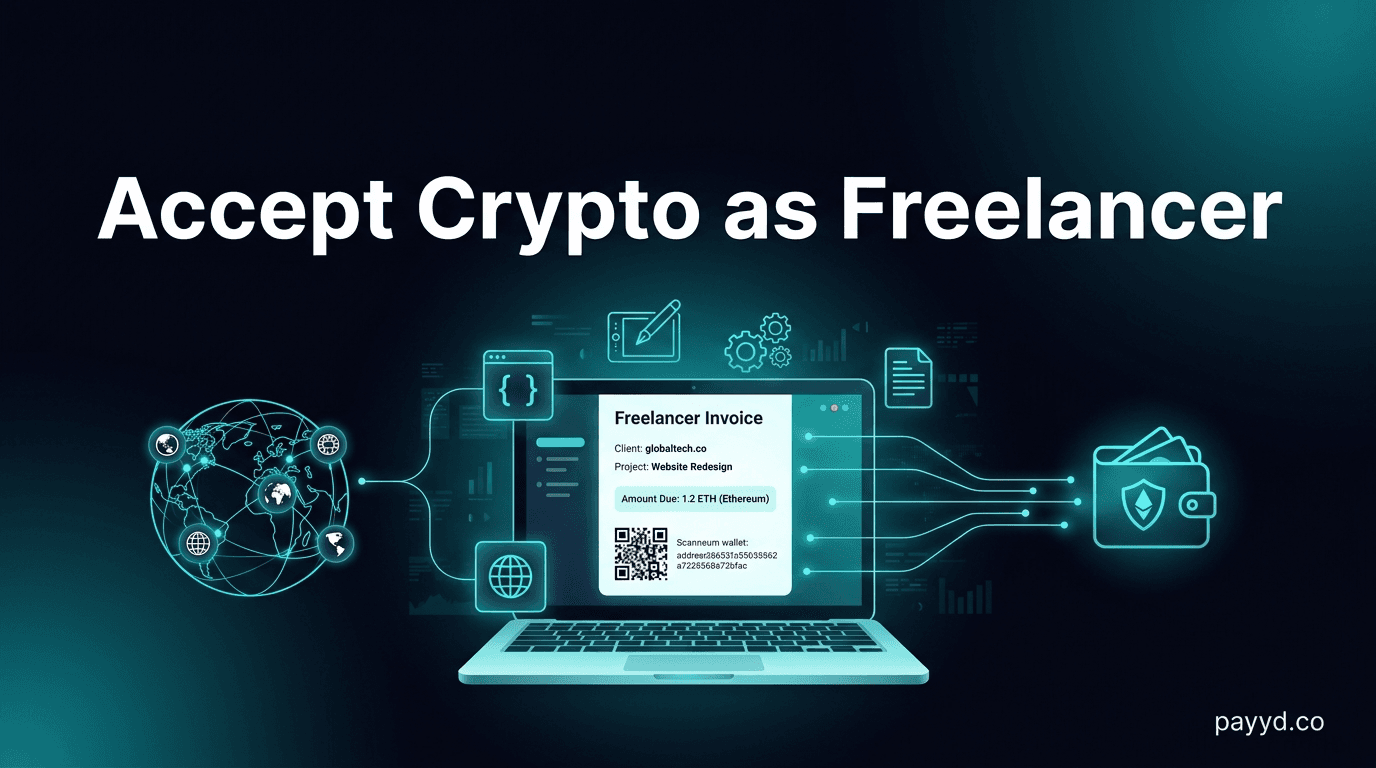
How to Accept Crypto Payments as a Freelancer in 2026
Accept crypto from global clients: no bank delays, no PayPal holds, no currency conversion fees. Step-by-step guide for freelancers with gateway recommendations.
Key Takeaways
- Freelancers lose 3-7% on every international payment to PayPal/Wise/bank fees + currency conversion
- Crypto invoicing via Plisio or NOWPayments costs 0.5% with no holds or delays
- Accept USDT or USDC to avoid volatility — get paid exactly what you invoiced
- No bank account needed — receive payments to a mobile wallet from anywhere in the world
Why Freelancers Should Accept Crypto
As a freelancer with international clients, you're bleeding money on every payment. A $5,000 invoice paid via PayPal loses $150 to fees (2.99% + $0.49), another $50-100 to currency conversion, and might sit in a 21-day hold. That's $200-250 lost — 4-5% of your income.
The same $5,000 via crypto: $25 on NOWPayments (0.5%), $0 if paid directly in USDT on Tron ($0.50 network fee). No holds. No currency conversion. Funds in your wallet in minutes.
Best Setup for Freelancers
Option 1: Payment Links (Simplest)
Generate a payment link for each invoice. Send to your client via email/Slack. They pay, you get notified. No website needed.
- NOWPayments — create payment links in 30 seconds, 300+ coins
- Plisio — customizable invoice templates with your brand
- Our payment link guide walks through the full setup
Option 2: Direct Wallet Payment (Zero Fees)
Share your wallet address with your client. They send USDT/USDC directly. You receive 100% of the invoice amount minus a ~$0.50 network fee. No gateway, no middleman.
- Use Trust Wallet, Phantom, or MetaMask to receive
- Ask clients to pay in USDT on Tron (cheapest) or USDC on Solana
- Send your wallet address + exact amount + chain instructions
Option 3: Invoice Platform (Professional)
Plisio offers white-label crypto invoicing. Create branded invoices with your logo, track payment status, get email notifications. Clients see a professional invoice page, not a raw wallet address.
Which Crypto Should You Accept?
For stability: USDT or USDC — pegged to $1, you receive exactly what you invoiced
For investment: BTC or ETH — volatile but potential upside if you hold
Our recommendation: Invoice in USDT/USDC for predictable income. Accept BTC/ETH as a bonus if clients prefer. Use NOWPayments auto-conversion to receive stablecoins regardless of what the client pays
Tax Considerations
Crypto payments are taxable income in most jurisdictions — same as cash or bank transfers. The key difference: you may owe capital gains tax if the crypto appreciates between when you receive it and when you sell/spend it. This is another reason to accept stablecoins — they don't appreciate, so there's no capital gains event. See our crypto regulations guide.
FAQ
How do I invoice a client in crypto?
Use Plisio or NOWPayments to generate a payment link for the invoice amount. Send it to your client. They click, choose their crypto, pay. You get notified when payment confirms. Full invoicing guide here.
What if my client doesn't have crypto?
They can buy crypto on any exchange (Coinbase, Binance, Kraken) and send it to your payment link. Or use Alchemy Pay or NexaPay which accept card payments and convert to crypto for you.
Can I convert crypto earnings to my local currency?
Yes — sell on any exchange (Coinbase, Kraken, Binance) and withdraw to your bank. Or use a gateway with fiat settlement like BitPay or CoinGate to auto-convert. See our on/off-ramp guide.